|

Suporte: (11) 4118-6267

Vendas: 0800 878 3122

Suporte: (11) 4118-6267

Vendas: 0800 878 3122

Organize manuals, tutorials, and answers with Knowledge Base

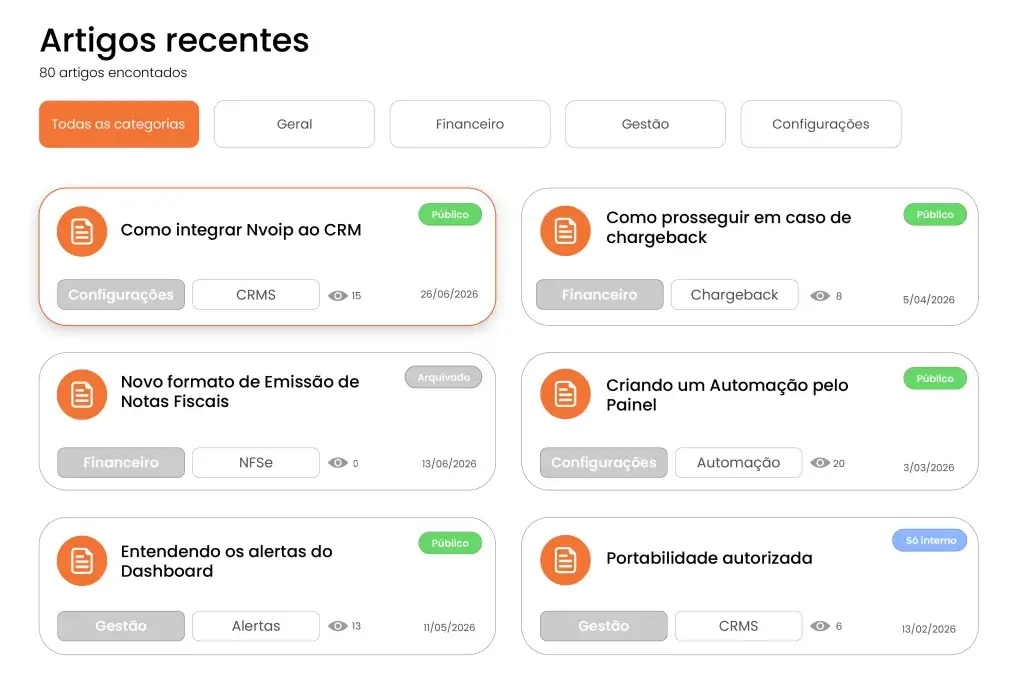
Create a public or internal help center with articles, categories, SEO, and ticket creation connected to the Nvoip panel.

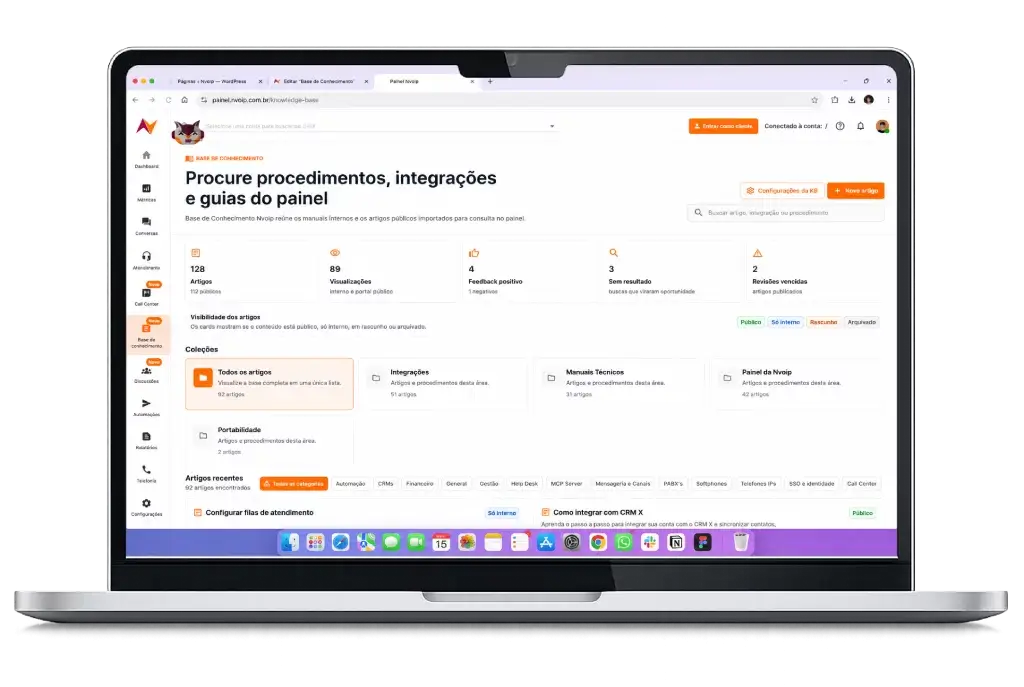
A public and internal knowledge base for customers and teams

Nvoip Knowledge Base helps your company turn repeated questions, internal processes, and technical guides into easy-to-find articles.

Publish internal content for your team or make articles public in your brand portal, with a simple structure for customers and employees.

With Nvoip Knowledge Base, your operation becomes:

mais agilidade

Organized

Organize categories, collections, and articles for fast, easy answers.

Aligned with your brand

Customize logo, colors, and domain to reflect your company identity.

Optimized

Optimize titles, SEO, and sitemap to improve search and AI results.

conectado

Integrated

Integrate with Help Desk to reduce requests and open tickets automatically.

Everything managed in the Nvoip panel

Edit articles, publish internal content, release public pages, track views, and use reader feedback to improve the materials that most impact support.

Start turning knowledge into self-service today

Create your account and organize manuals, tutorials, FAQs, and procedures in an easy-to-access base managed through the Nvoip panel.

FAQ

Yes. You can keep internal articles for your team and mark content as public so it appears in your company help portal.

Yes. Nvoip generates a public URL with the company slug and also allows a custom domain once DNS is validated.

Yes. The portal can guide customers to open a ticket when they do not find an answer, keeping the flow inside Help Desk.

Yes. KB settings let you customize visual identity and key SEO fields, such as title, meta description, and keywords.

No. Management happens in the Nvoip panel. For a custom domain, just configure and validate DNS; without a custom domain, the portal works through Nvoip public URL.

Agradecemos seu interesse.

Em breve nossa equipe irá entrar em contato com você.

Vamos agendar uma conversa sobre o plano de afiliados da Nvoip?

Preencha o formulário abaixo que nossa equipe irá entrar em contato com você.

Vamos agendar uma demonstração da Nvoip para sua empresa?

Preencha o formulário abaixo que nossa equipe irá entrar em contato com você.

Confira seu e-mail para agendar nossa conversa

Enviamos um e-mail com o link da nossa agenda. Abra a mensagem e escolha o melhor dia e horário para nossa conversa.

Nvoip - Voz, Chat, Whatsapp e Bots.
Privacy Overview

This website uses cookies so that we can provide you with the best user experience possible. Cookie information is stored in your browser and performs functions such as recognising you when you return to our website and helping our team to understand which sections of the website you find most interesting and useful.